Plan your road trip with AI
Stops, nights and route in one conversation
Tell Cabana where you want to go, for how long and at what pace. The chat suggests a route with the stops in order, the nights per stop and the distance between them, on a map. Happy with it? Cabana turns the route into a trip on your timeline.

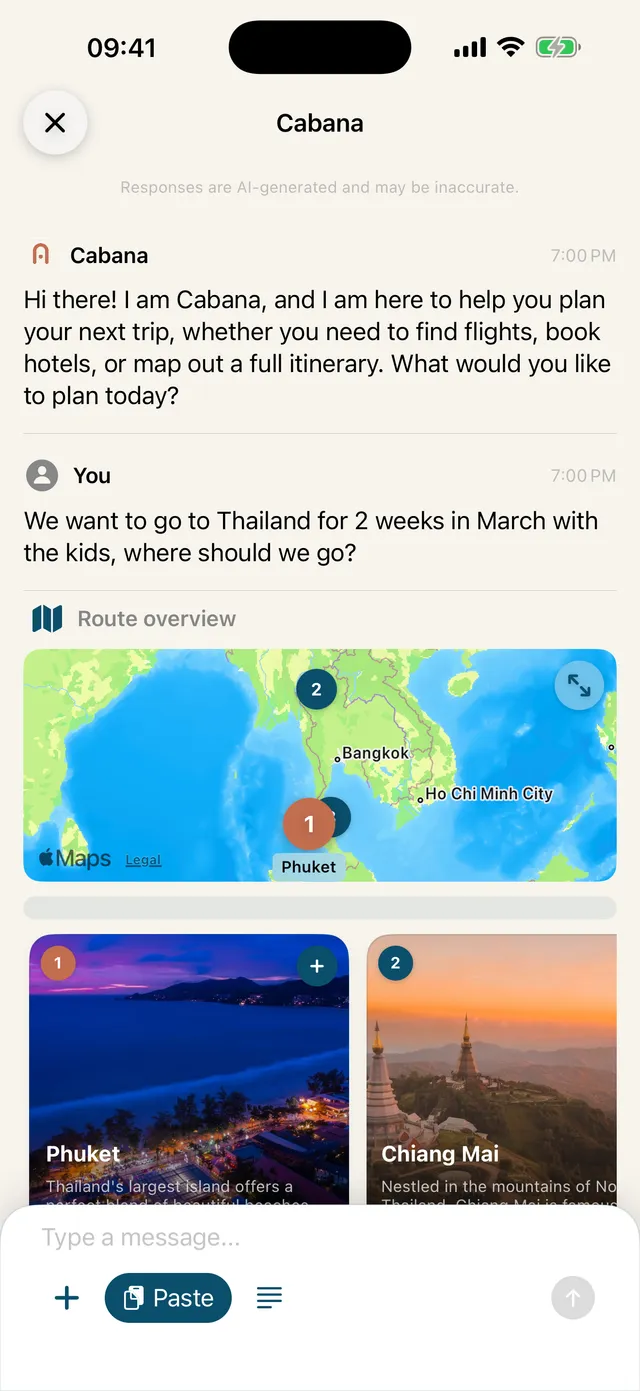
A route you can see
Every stop is on the map with its number of nights, a short description, things to see and do, and the weather there now. Between the stops you see the distance, and the summary adds up the driving time and kilometres. Open the map full screen to look at the whole route.
Change it in the conversation
Want an extra stop, or a night longer somewhere? Just say it in the chat and Cabana redraws the route. Ask about any stop to hear more about it.
From route to trip
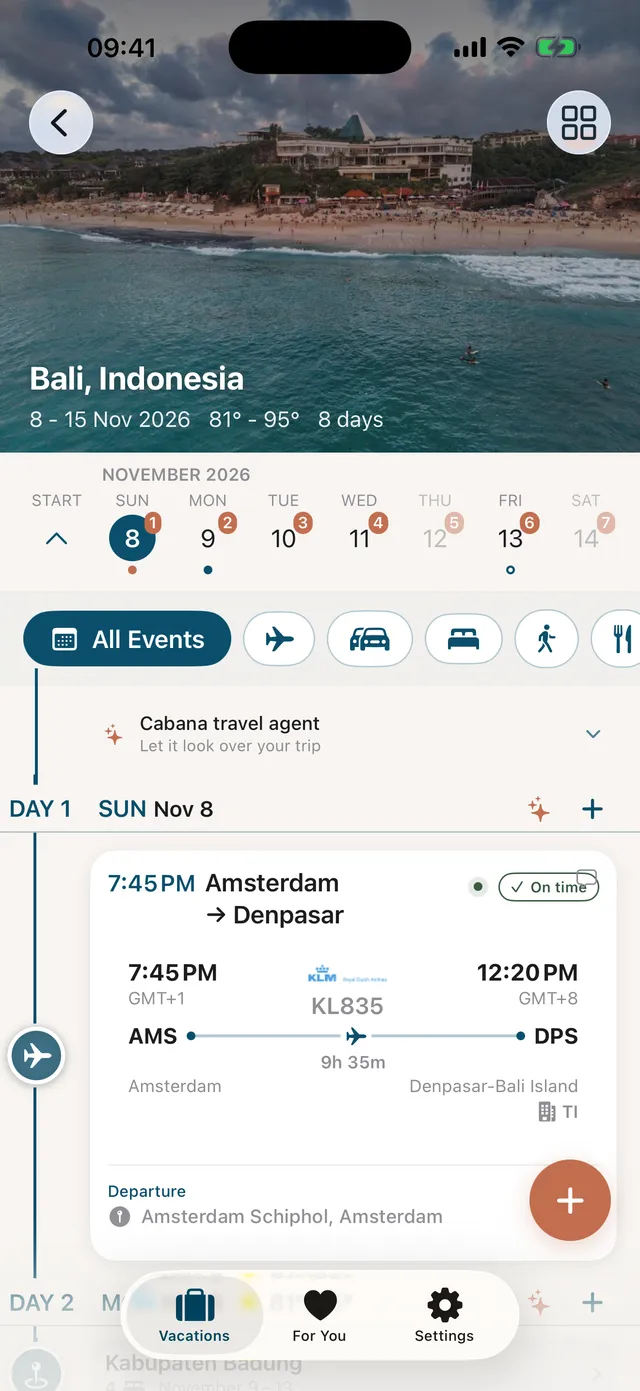
When you create the trip, the stops land on your timeline, day by day. Then add what you already have, such as the car rental or a hotel you booked, and see the whole trip on the trip map.
On the road
From every place on your trip you can start navigation in Apple Maps, Google Maps or Waze. And for each day of the trip you see tours, activities and restaurants nearby.
Questions about this feature
Is the road trip planner free?
Yes. Planning a route in the Cabana chat is free, with 25 chat messages a day. Premium removes the daily limit.
Can a route combine driving and flights?
Yes. A route can mix legs by car and by plane. The summary shows the total driving distance and time, and how many flights there are.
Does Cabana navigate the whole route?
No. Cabana opens navigation to one place at a time in Apple Maps, Google Maps or Waze. It does not hand over the whole route with all its stops.
In the app
Try it yourself
Download Cabanatrips for iPhone.
Read more
- Just ask Cabana — A travel chat that knows your trip
- Your whole trip on one timeline — Add it yourself, see it all
- Discover and book — What is around the corner, every day